






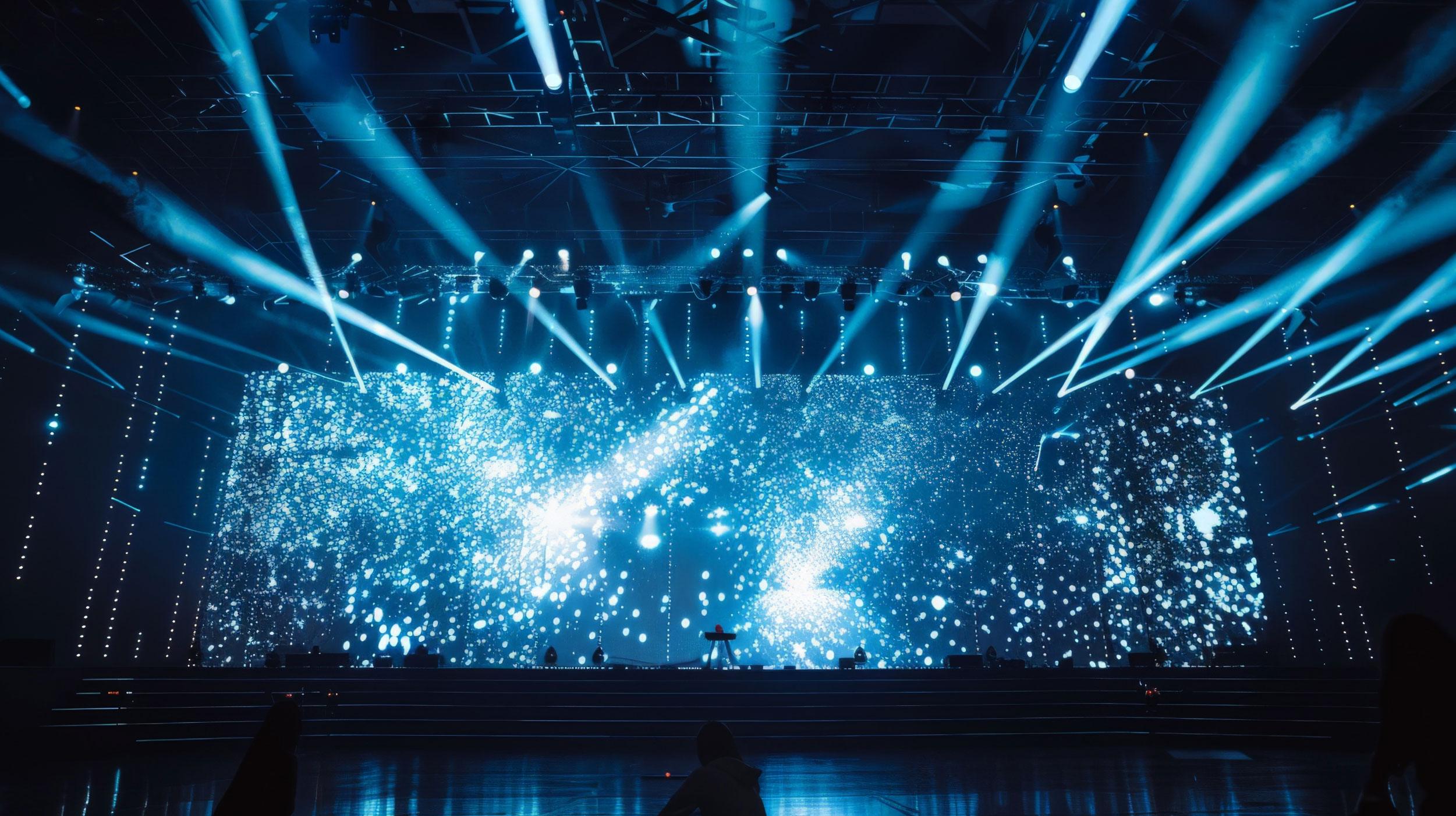
In the high-stakes world of event production, a screen failure minutes before showtimIn the high-stakes world of event production, knowing how to perform emergency LED video wall maintenance is a technician’s superpower. A screen failure minutes before showtime is a nightmare, but mastering LED rental screen troubleshooting ensures you can fix it fast.e is a technician’s worst nightmare. Whether it’s a wedding reception or a major concert tour, mastering LED rental screen troubleshooting is non-negotiable. This guide dissects the top 5 hardware and signal failures common in the industry and teaches you how to perform rapid on-site LED screen repair. Let’s ensure your video wall delivers a flawless performance, every time.
Failure 1: Dead Pixels & Blind Spots – The Visual Killers
Dead pixels are the most visible and frustrating issue, typically caused by LED lamp failure, static shock, or physical impact during transit.
Rapid Identification & Module Replacement
When black squares or lines appear, it usually indicates a power interruption to a specific module or a driver IC failure. Don’t attempt to solder individual LEDs on-site. The most efficient fix is a complete LED display module replacement. First, check the ribbon cables; if connections are tight but the module remains dark, swap it immediately with a spare. For rental businesses, keeping a 2% redundancy of modules is industry standard.
Preventing Static & Physical Damage
Many dead pixels aren’t immediate but result from rough handling. When handling die-cast aluminum cabinets, always wear anti-static wrist straps and avoid pressing directly on the LED surface to prevent latent damage.
Failure 2: Color Blocks & Chromatic Aberration – Breaking Visual Consistency
Noticing a purple or green tint on a section of your screen? Or perhaps a patch that looks dimmer than the rest? This is a classic color mismatch issue.
Checking Ribbon Cables & Signal Integrity
LED screen color mismatch often stems from unstable signal transmission. Inspect the ribbon cables on the HUB board for oxidation or looseness. For long cable runs, poor quality Ethernet cables can cause data packet loss, leading to chaotic color data.
Brightness Calibration via Software
If the issue is light decay (aging) rather than a connection fault, you may need to recalibrate. Using control software (like NovaLCT), you can reload correction files. For high-end rentals, the ability to calibrate LED video wall brightness is essential to ensure uniform color reproduction across the entire wall.
Failure 3: Flickering & Scrambled Screens – The Refresh Rate Battle
Horizontal or vertical flashing lines, jumping images, or scan lines during camera shoots usually point to configuration errors or interference rather than hardware failure.
Refresh Rate Settings & Receiving Card Config
To fix a flickering LED display screen, first verify the refresh rate settings on your sending and receiving cards. Ensure the rate is set to 3840Hz or higher, especially for broadcast environments. Additionally, check if the receiving card firmware needs an update, as outdated firmware can cause data misalignment.
Mitigating EMI from Power Cables
Never bundle high-voltage power cables with low-voltage signal cables. Electromagnetic interference (EMI) is a silent killer that causes LED screen signal transmission errors and visual noise. Maintain a separation of at least 30cm or use high-quality shielded Cat6 cables.
Failure 4: Partial Blackouts – Power & Connection Logistics
Testing Power Supply Voltage & Load
Perform an LED screen power supply voltage check using a multimeter. Standard output should be stable at 5V (4.8V-5.2V range). Low voltage suggests an aging power supply or an overloaded circuit; normal voltage with a dark module suggests a loose connector or broken solder joint.
Inspecting Cascading Cables & PowerCon Inputs
In rental setups, PowerCon connectors (aviation plugs) can wear out from frequent mating. Check the input/output ports on the power distribution board. For outdoor screens, verify that waterproof gaskets are intact to prevent short-circuit protection triggers.
Failure 5: Cabinet Connection Failure – Mechanical Integrity
For rental screens, physical stability is paramount. Damaged quick locks or broken positioning pins affect flatness and can lead to catastrophic structural failure.
Maintaining Quick Locks & Spares Inventory
LED rental cabinet lock repair is a vital on-site skill. Regularly inspect the spring tension of the locks to ensure they engage securely. We recommend keeping a “crash kit” in your flight case containing a full set of spare locks, handles, and positioning pins for immediate replacement.
Adjusting Flatness to Eliminate Gaps
If the screen surface appears bumpy, do not force the panels together. Use the micro-adjustment knobs (if equipped) or inspect the connection tabs for deformation to restore the screen’s seamless flatness.
The Essential Toolkit: A Pro Technician's Crash Kit
To execute the on-site LED screen repair steps above efficiently, your flight case must contain these “lifesaving” tools:
Hardware Spare Parts List
Spare modules (same batch), spare power supplies, receiving cards, ribbon cables, lock kits, and fuses.Lorem ipsum dolor sit amet, consectetur adipiscing elit. Ut elit tellus, luctus nec ullamcorper mattis, pulvinar dapibus leo.
Debugging Tools List
Laptop (with control software pre-installed), multimeter, network cable crimping tool, spare Ethernet cables, hex key set, and anti-static gloves.
Conclusion: Prevention is Better Than Cure
While mastering LED rental screen troubleshooting saves the day, choosing a screen designed for easy maintenance prevents the disaster in the first place. Our rental series features front-maintenance designs and industrial-grade connectors to minimize on-site failure rates. Looking for high-stability rental solutions? Contact us today for our latest catalog and spare parts checklist.
ЧАСТО ЗАДАВАЕМЫЕ ВОПРОСЫ
- Q: Do you provide redundant backup systems for critical rental events?
- A: Yes, our rental series supports full signal and power redundancy. We offer dual receiving card backup solutions to ensure the screen remains operational even if a primary card fails during a live event.
- Q: Can these outdoor rental screens withstand heavy rain and wind?
- A: Absolutely. Our outdoor cabinets are rated IP65 for the front and IP54 for the rear. The die-cast aluminum structure is reinforced to withstand wind loads up to standard safety requirements for outdoor structures.
- Q: Are spare parts included with the purchase of LED rental cabinets?
- A: Yes, we provide a standard free spare parts kit with every order, typically including 2% extra modules, receiving cards, power cables, and locks. Customized redundancy packages are available upon request.
- Q: Is the control software compatible with Mac or only Windows?
- A: Our primary control software (e.g., NovaLCT) runs on Windows. However, we provide hardware solutions like video processors that allow you to switch inputs easily, and remote control options are available for Mac users via specific controllers.
- Q: What is the average lifespan of the LED chips and power supplies?
- A: We use top-tier components like Nationstar lamps and Mean Well/Chengliang power supplies. The estimated lifespan is over 100,000 hours for LEDs, with a recommended replacement cycle for power supplies after 5 years of heavy rental usage.